
Introducing The Quantum Infrastructure Cloud Learn more
  • Identity
  • Policy
  • Audit
  • Models

Enterprise-grade control for every agent, model and person

InfraGuard joins your identity provider, your approvers and your audit to every AI call that reaches your systems. Security teams set the rules once; every agent, assistant and person is held to them.

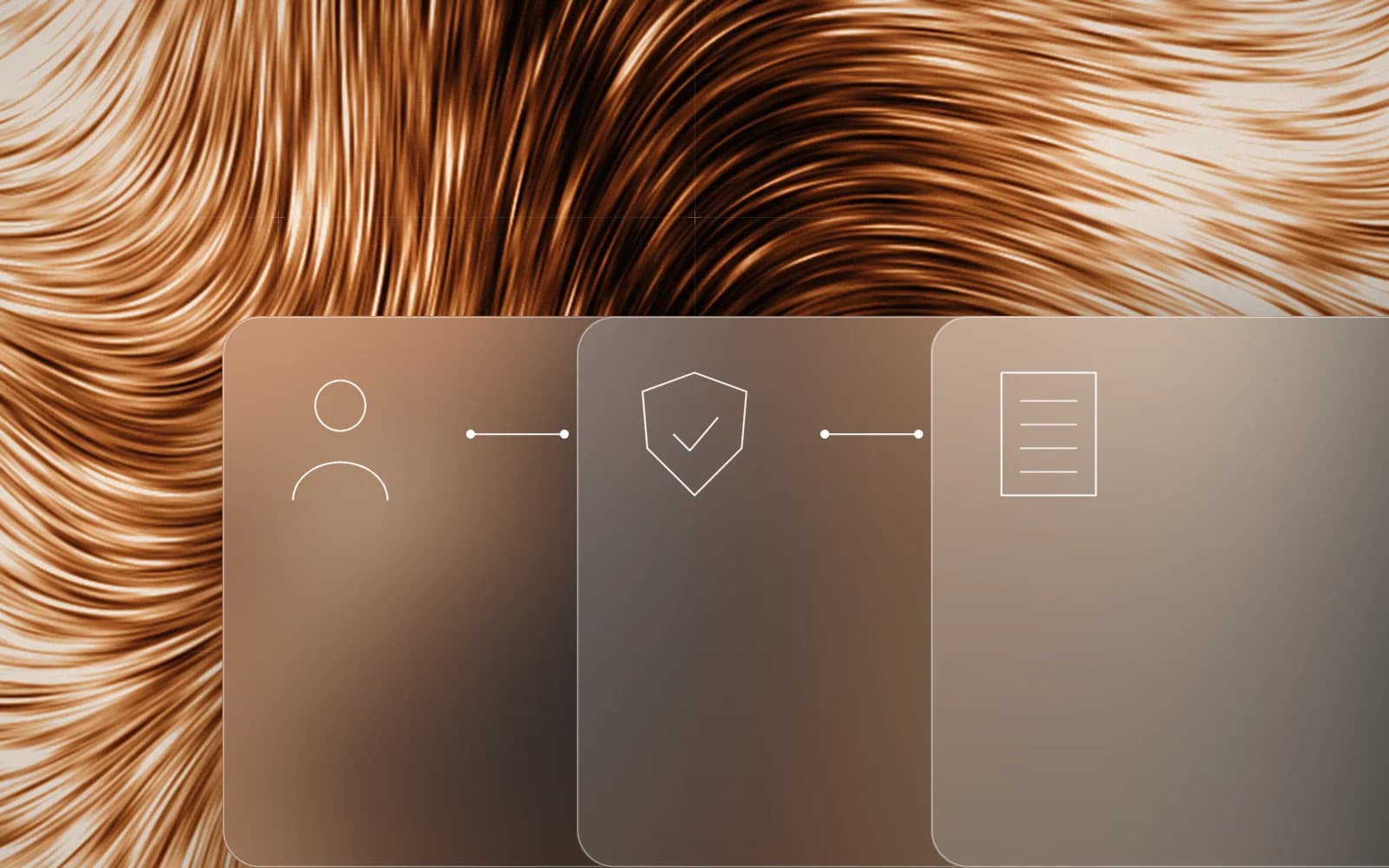
Copper streaks of light with three glass tiles joined by lines: a person, a shield with a tick and a ledger.

Tool call

require_approval

k8s_restart deployment=payments-api ns=payments

agent incident-helper, on behalf of j.doe

Approver

ASa.silva, on-call leadApprove onceDeny

The approval runs this call once. The next restart asks again.

Audit chain

verify: chain intact
  1. dec_7f3a1allowk8s_events
  2. dec_7f3a4require_approvalk8s_restart
  3. dec_7f3b0decidedapproved by a.silva
Illustration: names, identifiers and numbers are examples.

Enterprise grade

Six controls, one decision per call

Identity you already run

People sign in through your identity provider. InfraGuard keeps no passwords of its own.

  • OIDC access tokens, signed RS256 or ES256, with a tenant claim
  • Active Directory over LDAPS: people, groups, nested membership
  • SCIM 2.0 provisioning of people and groups
  • SAML through an identity broker such as Keycloak
Read how it works

Policy that decides every call

Allow, require approval or deny, each with a decision id and the policy version that made it.

  • A call no policy matches is denied
  • A write or privileged action needs a policy that names it
  • A delegated agent gets the stricter of its policy and the person’s
  • An approved call runs once; a denied or expired one never runs
Read how it works

Credentials that expire

Agents never hold credentials. People get access that ends on its own.

  • Short SSH certificates issued by InfraGuard
  • Temporary PostgreSQL logins, ended before their role is dropped
  • Workload tokens stored only as a hash
  • Model keys held by the gateway, never returned
Read how it works

An audit you verify yourself

Every decision is an entry in a tamper-evident hash chain, per tenant.

  • Verification walks the chain and says whether it is intact
  • Audit checkpoints and compliance reports
  • A cursor feed for your SIEM, with a role that reads only the feed
  • Signed webhook alerts: chain break, refusal burst, licence state
Read how it works

Model governance

One gateway for every model call, with a grant per workload, per group or per person.

  • Calls per minute, tokens per day and an output limit
  • Known secret formats redacted before a prompt leaves
  • Prompts and answers never stored, audited or logged
  • Deprecation dates, health and a circuit breaker per service
Read how it works

Enforcement in your path

Apply the decision where your applications already are.

  • A reverse proxy and ASGI middleware that enforce the decision
  • A tool gateway for agents over REST and MCP
  • Reference egress rules so workloads reach models only through the gateway
  • An OpenAPI 3.1 contract that CI checks against the code
Read how it works

In practice

What your security team sees

An operations agent investigates a slow payments service for the engineer on call.

Caller
ops-agent for the on-call engineer
Systems
Kubernetes, PostgreSQL, Linux

    A replay with example names, identifiers and limits. The tools, the decisions and the rules are InfraGuard’s.

    Governance

    Policy reviewed like code

    Keep grants, access policies and model grants in Git. A pull request shows what would change; the apply takes exactly what was reviewed, and each change is an audit entry.

    • Groups and access reviews

      Grant to a directory group, and review periodically who still holds access.

    • Compliance reports

      Evidence of who could do what, and what was decided, drawn from the audit chain.

    • Policy as code

      One canonical document per tenant, reviewed as a diff, applied in one transaction.

    Policy as code, from the operations guide
    # Export the tenant's policy, edit it in Git, review the diff
    curl -sS -H "Authorization: Bearer $ADMIN_TOKEN" \
      "$IG_URL/v1/policy/export?format=yaml" -o policy.yaml
    
    curl -sS -X POST -H "Authorization: Bearer $ADMIN_TOKEN" \
      -H "Content-Type: application/yaml" --data-binary @policy.yaml \
      "$IG_URL/v1/policy/diff" | tee diff.json
    
    # Apply exactly what was reviewed: a changed state answers 409
    curl -sS -X POST -H "Authorization: Bearer $ADMIN_TOKEN" \
      -H "Content-Type: application/yaml" --data-binary @policy.yaml \
      "$IG_URL/v1/policy/apply?diff_hash=$(jq -r .diff_hash diff.json)"

    Editions

    One product, four editions

    The edition is set by a licence signed by SoftQuantus and checked offline, so it works on a network with no internet access. Human users are not limited in any edition.

    • Community

      Without a licence file: up to 25 protected resources and 3 governed AI agents.

    • Growth

      Limits set by your licence.

    • Business

      Limits set by your licence.

    • Enterprise

      Limits and terms set by your licence and your agreement.

    Which edition fits, and what it includes, is agreed during the pilot. We do not quote prices on this site.

    Get started

    From the bundle to the first refused call

    InfraGuard is delivered as an offline bundle through a pilot. Verifying and loading it needs no network and no registry, and the running service makes no call to SoftQuantus.

    From the install guide
    cd infraguard-offline-<commit>
    ./verify-release.sh --key infraguard-release.pub --commit <commit>
    # VERIFIED: infraguard-api-<commit>.tar.gz ...
    docker load -i infraguard-api-<commit>.tar.gz
    # Loaded image: infraguard-api:<commit>
    1. 01

      Read the install guide

      Requirements, configuration and the first steps are public. Read them before you talk to us, so the pilot starts on your questions.

      Install guide
    2. 02

      Request a pilot

      Tell us what your agents and people should reach. We agree a scope with you and send an offline bundle and, where the pilot needs one, a licence.

      Request a pilot
    3. 03

      Verify, load, start

      Check the bundle with its own verification script before anything runs, then start InfraGuard with Docker Compose or the Helm chart, next to your PostgreSQL and identity provider.

      Release verification
    4. 04

      Protect the first resource

      Register one cluster, database or server, write the first policy and connect an agent over MCP. The tutorials walk through each step.

      Tutorials

    Request an enterprise pilot

    Tell us what your agents and people need to reach, and where InfraGuard would run. It takes about two minutes.

    I work in *
    About you
    Your estate

    The film and pictures on this page are SoftQuantus’s own, painted from noise and line work; the clips are recordings of the InfraGuard tutorials. Product names belong to their owners and show where InfraGuard fits, not a partnership or an endorsement.